Appearance
Notifications
The Notifications page is a running list of messages and alerts your organization has received — things like safety alerts and import results — so nothing important slips by.
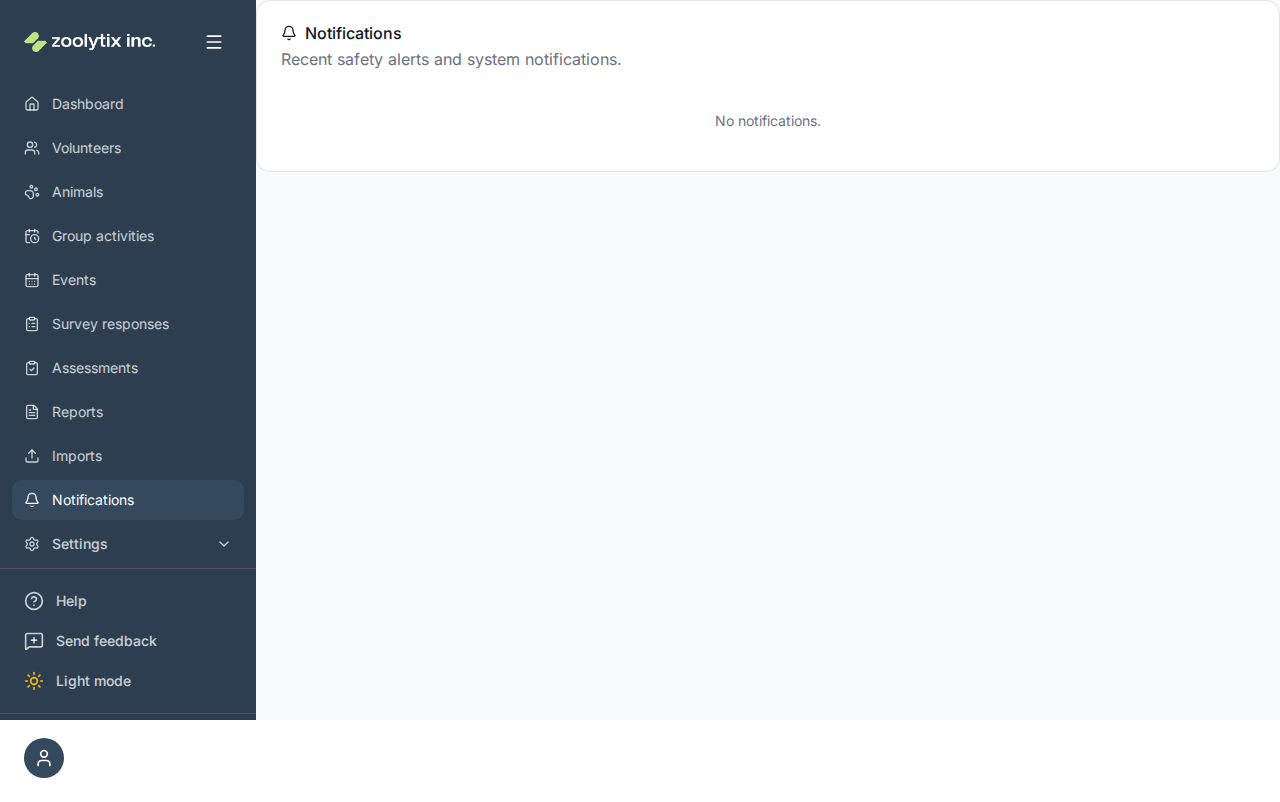
Recent system messages and alerts.
A running list of notifications sent to your organization — safety alerts, import results, and other system messages — with the channel they were sent through. If you signed in on a device that is waiting for approval, notifications appear once it is approved.
What you can do here
- Review recent alerts and messages
Reading notifications
Each entry shows what happened, when, and how it was sent (for example email or in-app). Scan the list to catch up on recent alerts.
If your shelter requires device approval for your role and you signed in on a device it hasn't approved yet, the page says Notifications appear once this device is approved. Notifications can name animals and describe incidents, so they wait until the device is approved. If you can approve devices, you can approve your own.
Fields explained
No field-level help for this page.