Appearance
System ops
System ops holds the behind-the-scenes controls for administrators — provisioning templates and the current status of your shelter's backups.
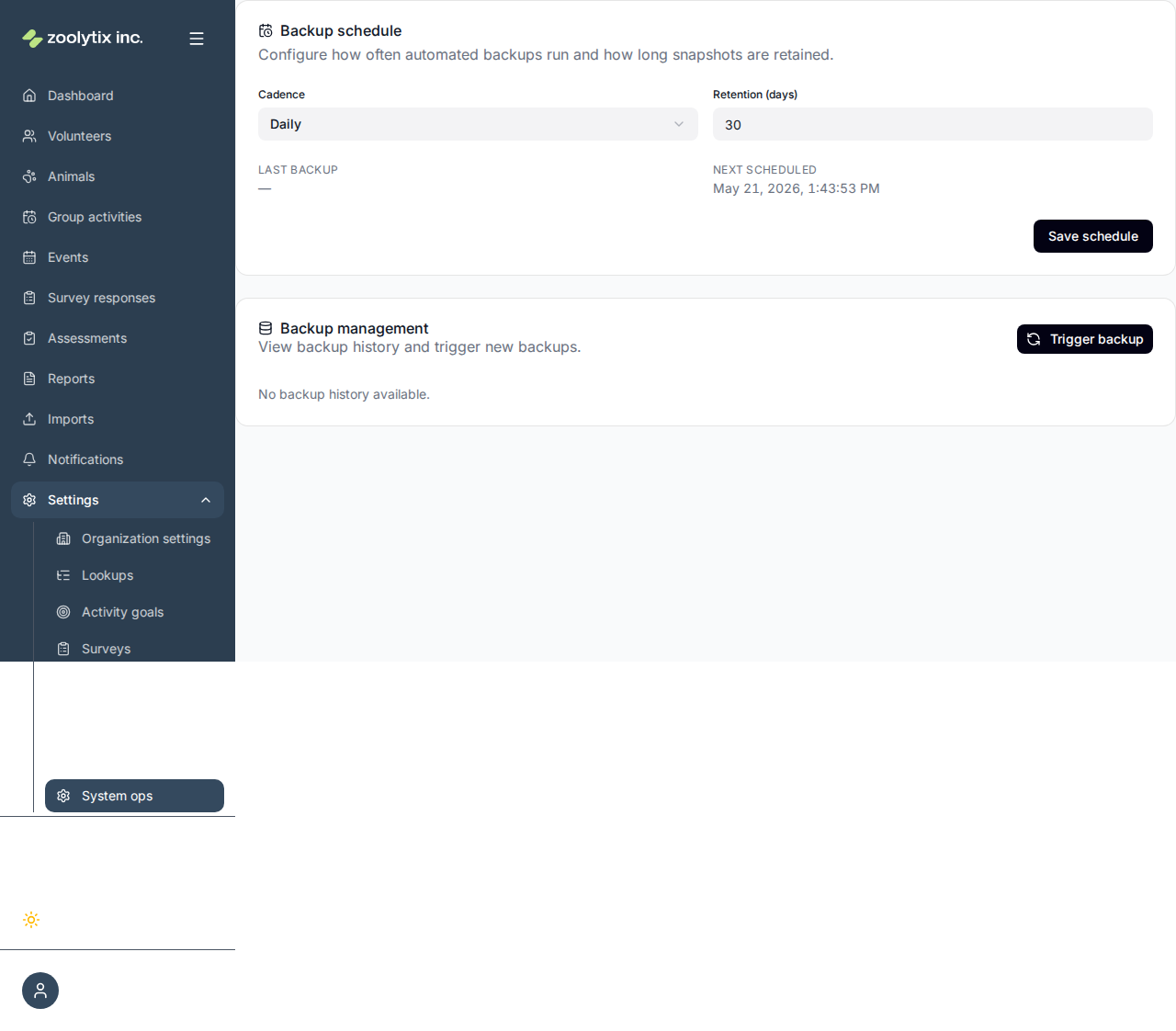
Operational controls for administrators.
Review provisioning templates and operational controls. Intended for administrators. Automated backups are not available yet — ShelterSync does not currently create backups of your organization's data.
What you can do here
- Review provisioning templates
- Check the current backup status
Backups
Automated backups are not available yet
ShelterSync does not currently create backups of your organization's data. An earlier version of this page showed a backup schedule, a last-backup time, and a manual trigger — that information was not accurate, and those controls have been removed.
Keep your own records of critical data, and contact Zoolytix support with any questions about data protection. This page will be updated when backups are available.
Fields explained
No field-level help for this page.
TIP
System ops is for administrators. If you don't see it, your role doesn't include these controls — that's expected.